Main Components:
CPU
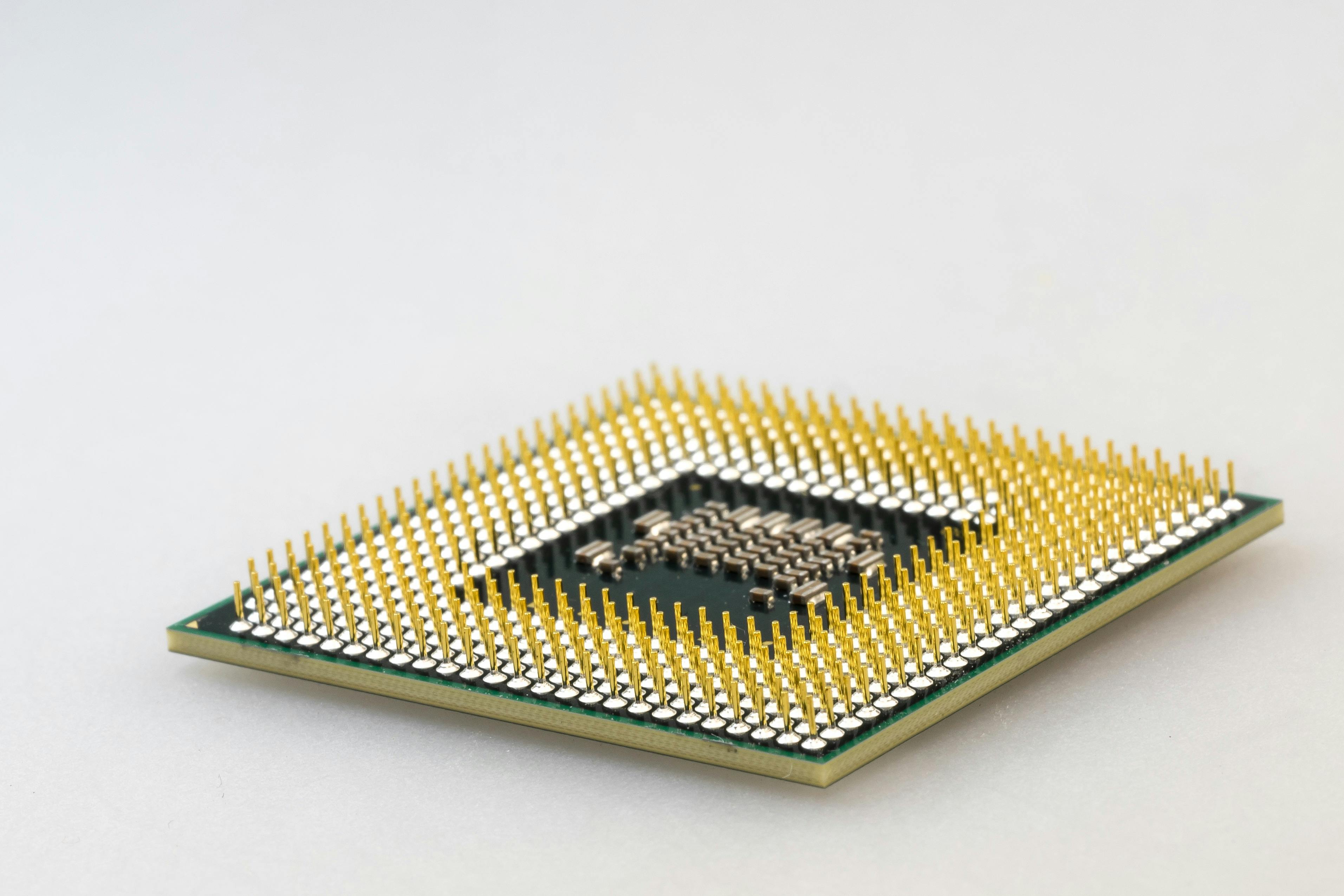
What it is: The CPU, often referred to as the “brain” of your computer, is responsible for carrying out all the instructions your programs and operating system give it. It performs the calculations and logic that drive everything from opening files to running games or editing videos. In short, the CPU keeps your entire system running and responsive. Faster CPUs can handle more complex tasks and multitasking without slowing down, which is why they're such a vital part of any PC build. If you've ever noticed a computer slowing down when too many programs are open, the CPU is likely working overtime trying to keep up.
Recommendations: When choosing a CPU, it's important to consider what you'll be using your PC for. For gaming, look for CPUs with high clock speeds and strong single-core performance, like the AMD Ryzen 5 7600X or Intel Core i5-13600K. For productivity tasks like video editing or 3D modeling, more cores and threads are better—consider the AMD Ryzen 9 7950X or Intel Core i9-13900K for these kinds of workloads. You'll also want to make sure the CPU you choose is compatible with your motherboard, as not all CPUs work with all sockets or chipsets. Brands like AMD and Intel dominate the market, and both offer excellent options depending on your needs and budget.
GPU
What it is: The GPU, or graphics card, is responsible for rendering images, videos, and animations—basically everything you see on your screen. For gamers and creative professionals, the GPU is one of the most important components, as it directly affects the quality and performance of games, video rendering, 3D modeling, and more. A powerful GPU enables smoother gameplay, higher resolutions, better frame rates, and support for features like ray tracing or advanced shaders. Even if you're not gaming, a dedicated GPU can be useful for tasks like photo editing, video playback, or running multiple displays.
Recommendations: When selecting a GPU, consider the resolution and frame rates you want to achieve. For casual gaming or light workloads, an NVIDIA GeForce RTX 4060 or AMD Radeon RX 7600 will offer solid performance without breaking the bank. For high-end gaming or creative workloads, look at options like the RTX 4080, RX 7900 XTX, or even workstation cards like the NVIDIA RTX A4000. Be sure to check your case size and power supply before buying, as higher-end GPUs can be physically large and require a lot of power. Also, keep an eye on VRAM (video memory)—more demanding games and applications typically benefit from 8GB or more.
RAM
What it is: RAM is your PC's short-term memory—it temporarily stores data that your system needs quick access to while you're using it. The more RAM you have, the more programs and browser tabs you can keep open without slowing down your system. RAM is especially important for tasks like gaming, video editing, and running virtual machines or development tools. Unlike your storage drive, RAM resets every time you turn off your computer, so it doesn't hold onto files permanently, but it plays a huge role in keeping everything running smoothly while your PC is on.
Recommendations: When choosing RAM, the two main things to consider are capacity and speed. For most users, 16GB of DDR4 or DDR5 RAM is a great starting point. Gamers and content creators might benefit from 32GB or more, especially if multitasking or working with large files. Speed is also important—faster RAM can improve performance in certain applications, particularly with AMD systems. Look for reputable brands like Corsair, G.Skill, or Kingston, and always check your motherboard's specifications to ensure compatibility with RAM speed, type, and capacity.
Storage
What it is: Storage is where your computer keeps all your files, programs, and operating system. There are two main types of storage drives: HDDs (Hard Disk Drives) and SSDs (Solid State Drives). HDDs use spinning disks to store data and tend to be slower but more affordable and available in larger sizes, making them great for mass storage. SSDs, on the other hand, use flash memory, which makes them much faster and more reliable. This means your PC boots up quicker, programs open instantly, and files transfer much faster when using an SSD.
Recommendations: For most builds, a good approach is to use both an SSD and an HDD. Use a fast SSD (like a Samsung 980 Pro or WD Black SN850X NVMe drive) for your operating system and important programs, and a larger HDD (like the Seagate Barracuda 2TB) for storing photos, videos, and other files. SSDs come in different types: SATA SSDs are more affordable and still much faster than HDDs, while NVMe SSDs connect directly to the motherboard and offer lightning-fast performance. Try to get at least 500GB of SSD storage for your OS and apps, with more if you plan to game or work with large files.
| Pros | Cons |
|---|---|
| Much faster read/write speeds | More expensive per GB |
| Silent operation (no moving parts) | Lower maximum storage capacity |
| More durable and shock-resistant | Data recovery is harder if they fail |
| Uses less power and generates less heat | Older systems may not support NVMe SSDs |
| Pros | Cons |
|---|---|
| Much cheaper per GB | Slower read/write speeds |
| Great for large file storage (like videos or backups) | Noisy due to moving parts |
| Widely compatible with most systems | More prone to physical damage |
| Available in very large capacities (up to 20TB+) | Higher power usage and more heat |
Motherboard
What it is: The motherboard is the central hub that connects all of your PC's components. Every piece of hardware—CPU, RAM, GPU, storage, and more—plugs into the motherboard, allowing them to communicate and work together. It also supplies power and transfers data between components. Motherboards come in various sizes, like ATX, Micro-ATX, and Mini-ITX, which can affect the size and layout of your PC case. The chipset and socket type determine what CPUs and features your motherboard supports, making this one of the most critical parts to get right in your build.
Recommendations: When shopping for a motherboard, make sure it's compatible with your CPU and offers the features you need, such as enough USB ports, PCIe slots, and M.2 slots for SSDs. Look for brands like ASUS, MSI, Gigabyte, and ASRock, which offer a wide range of reliable boards. Gamers might want a board with support for overclocking, RGB lighting headers, and built-in Wi-Fi, while creators might prioritize more expansion slots and fast storage support. Popular choices include the ASUS ROG Strix B650-A for AMD builds or the MSI Z790 Tomahawk for Intel systems. Always double-check the form factor and connectivity options to ensure it fits your build.
Power Supply
What it is: The power supply unit (PSU) is what delivers electricity to all the components in your system. It's a part that's easy to overlook, but choosing a high-quality PSU is essential for a reliable and safe PC. A poor-quality or underpowered PSU can lead to system instability or even damage your components. The PSU converts the electricity from your wall outlet into usable power for your motherboard, CPU, GPU, and other hardware. It also determines how efficiently your system runs and how much heat is generated in the process.
Recommendations: When picking a PSU, consider the wattage you need, which depends on the components in your build. A typical gaming PC usually requires a 550W to 750W power supply, while high-end systems with powerful GPUs may need 850W or more. Make sure to get a PSU that's 80 Plus certified for energy efficiency—Gold or Platinum ratings are ideal for better reliability and lower heat. Modular or semi-modular PSUs are recommended because they help reduce cable clutter and improve airflow. Trusted PSU brands include Seasonic, Corsair, EVGA, and be quiet!. A reliable power supply is the foundation for long-term system stability and future upgrades.